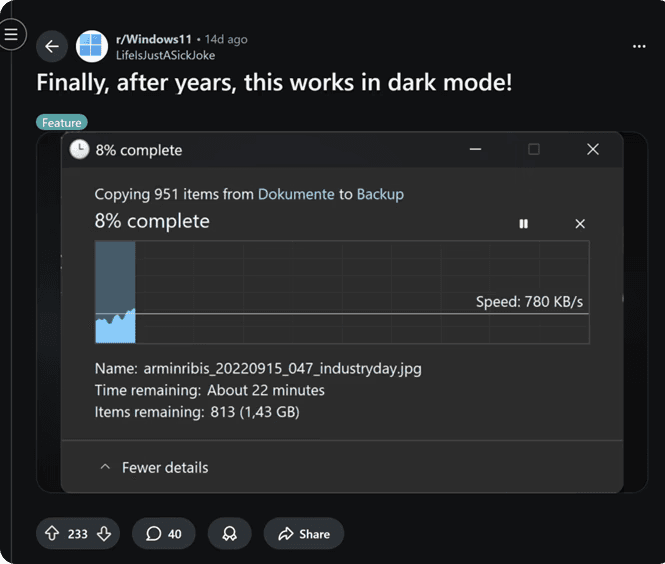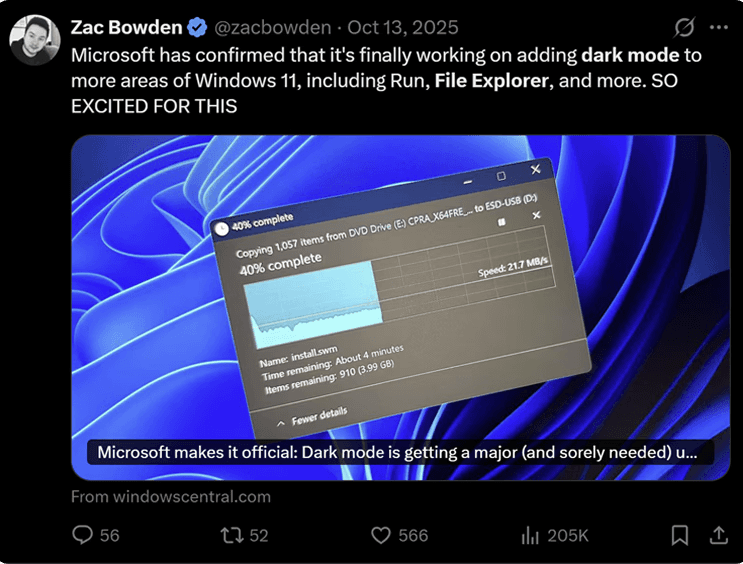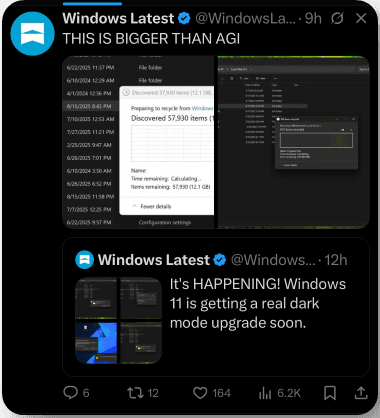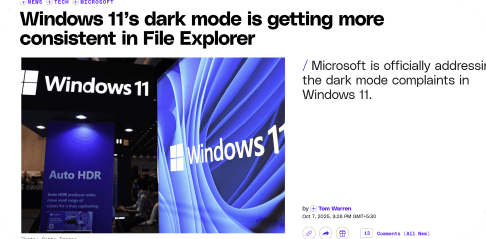
ℹ️ This project is part of a series of experiments to fix fundamentals and improve quality of craft in Windows
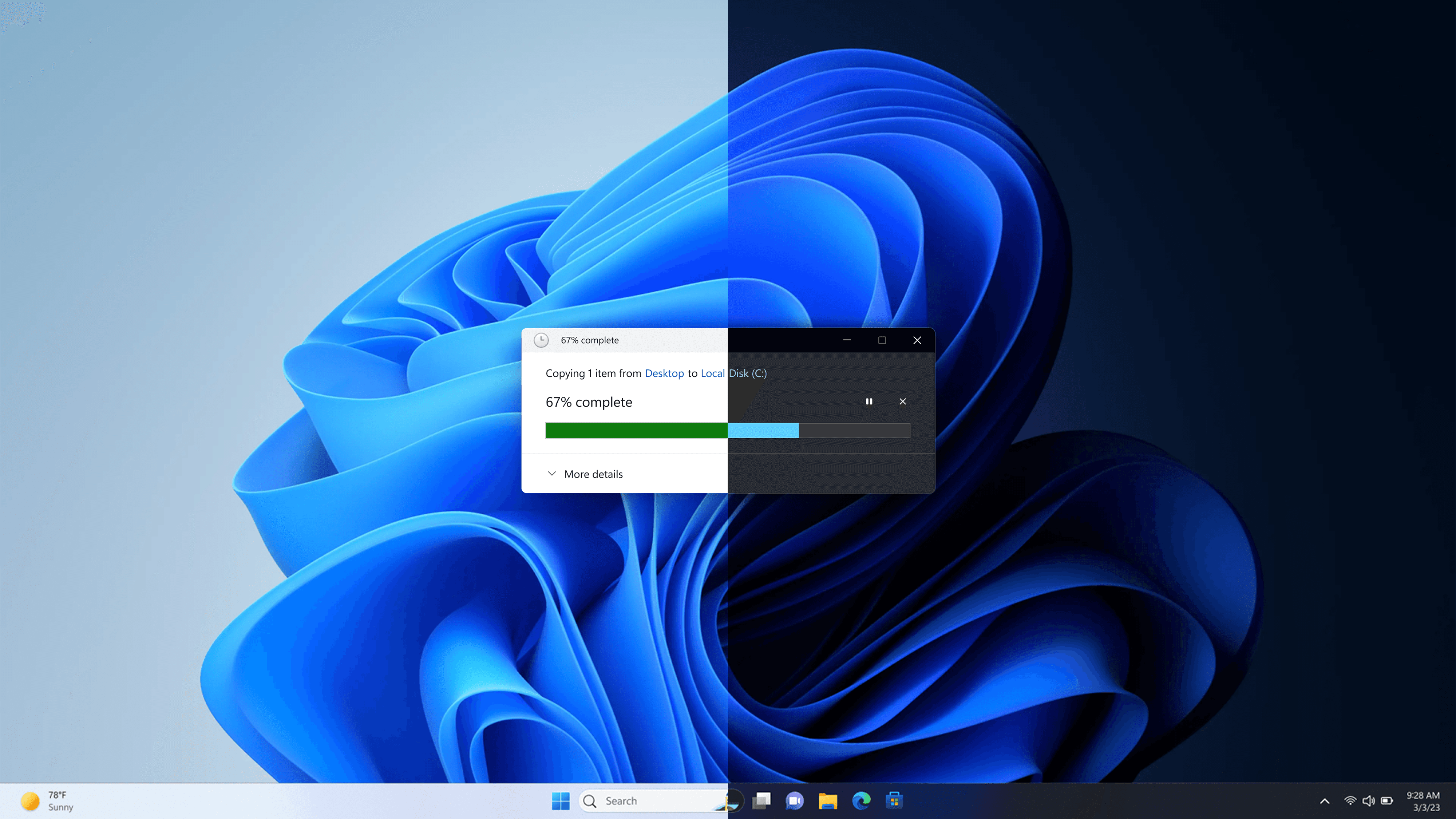
Dark mode for copy scenario
Supporting dark mode in copy, move & delete user flows
Status
Shipped
Duration
10 weeks
Platform
Windows shell
Introduction
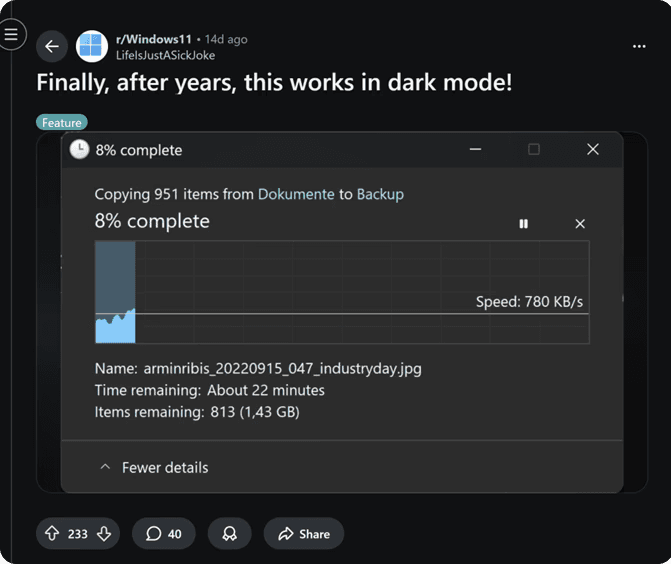
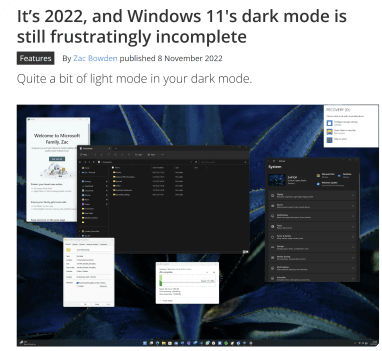
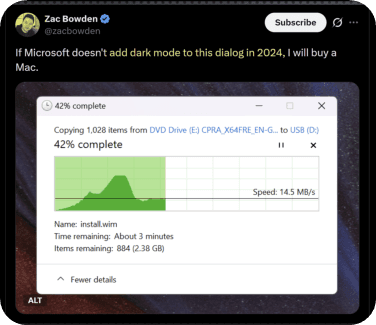
Windows11 support system-wide dark mode since inception, still several core surfaces including copy dialog do not adhere to it, creating visible inconsistency in an otherwise polished OS.
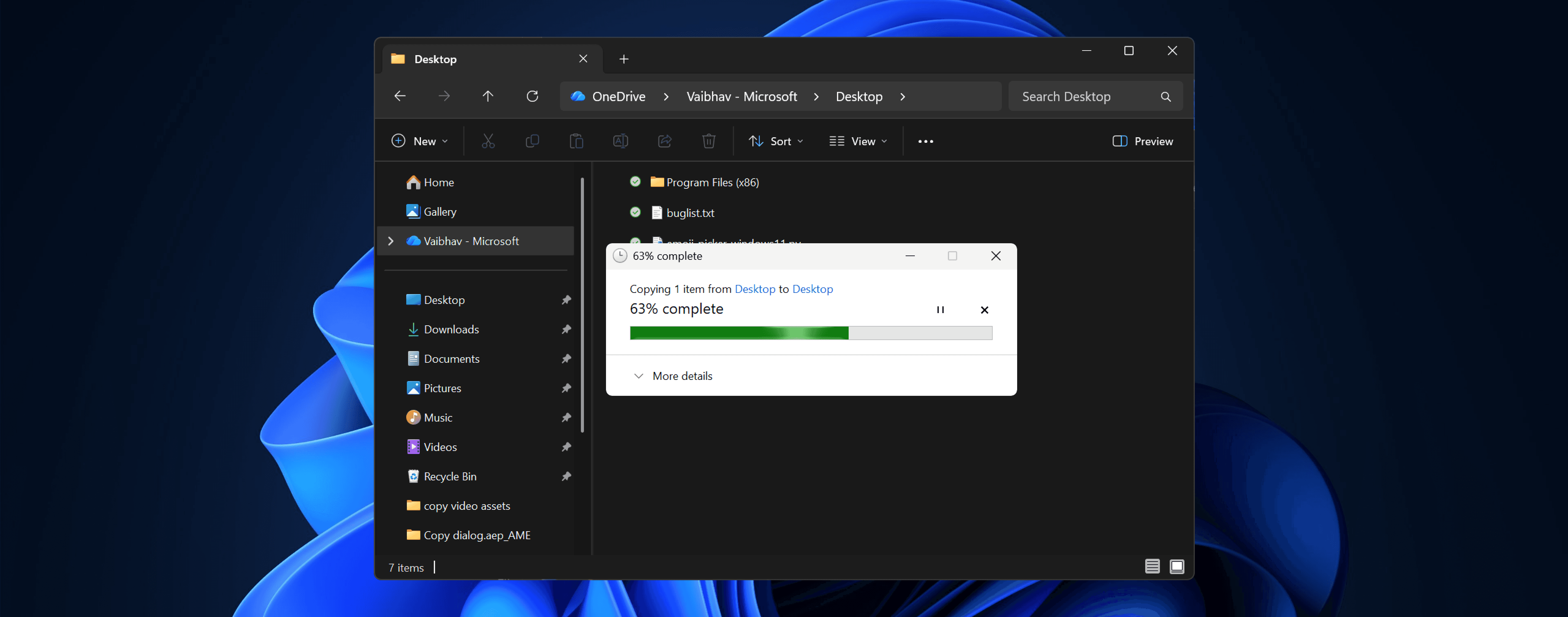
This gap became a recurring point of criticism from both Windows enthusiasts and critics, raising questions around attention to craft and overall product quality.
Brief
This project is part of a longer initiative to fix quality of craft in Windows. Here, the ask was to support dark mode in copy dialog.
Justification
The signals from Windows user base reflected a clear dis-satisfaction with quality of craft. Lack of support for dark mode was a prime example used by critiques to point out inconsistencies in the OS.
My role
Explored modernisation approaches that became the basis for costing discussions
Created final design specs & assets to support timely shipping
Convinced stakeholders to increase scope to cover the entire scenario rather than fixed screens
Innovated solution for improving design efficiency and quality
Explorations
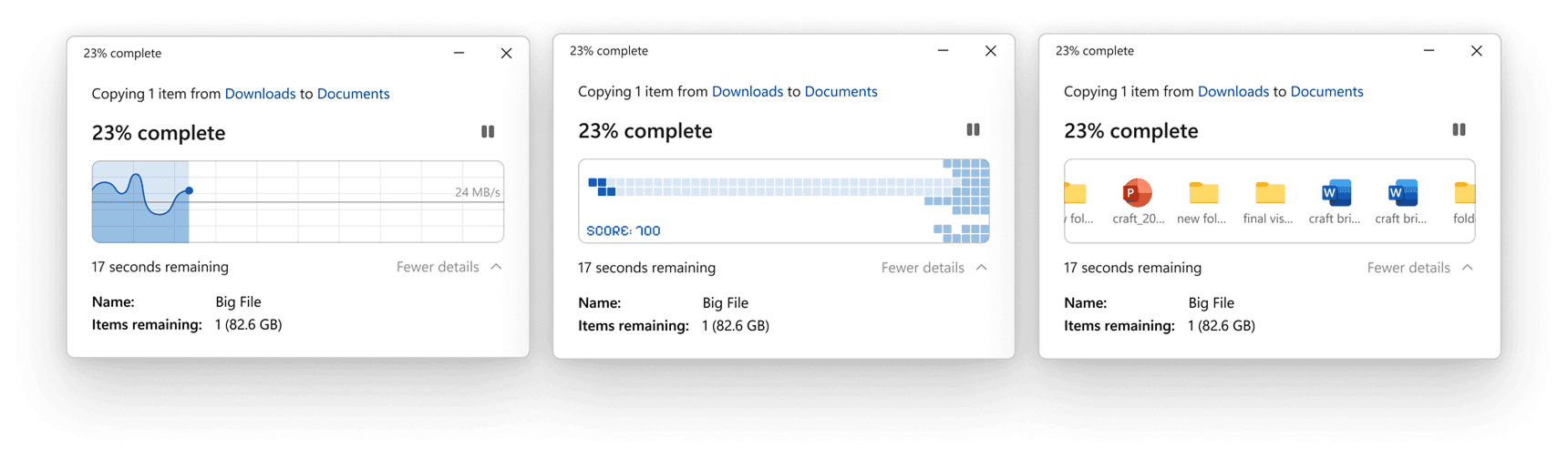
Approach 1
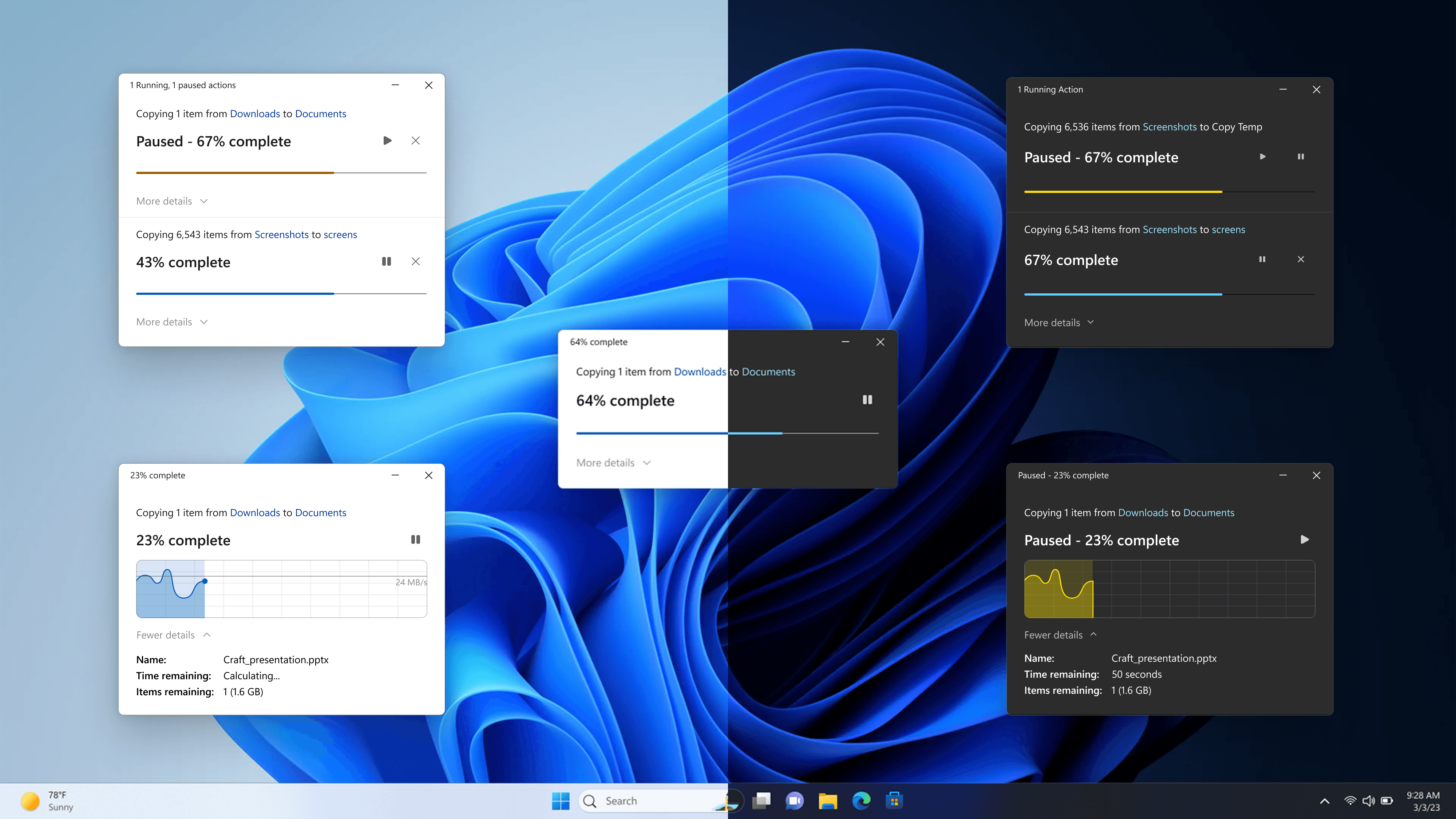
In early stages, I proposed modernizing the experience rather than just adding dark mode support.
Approach 2
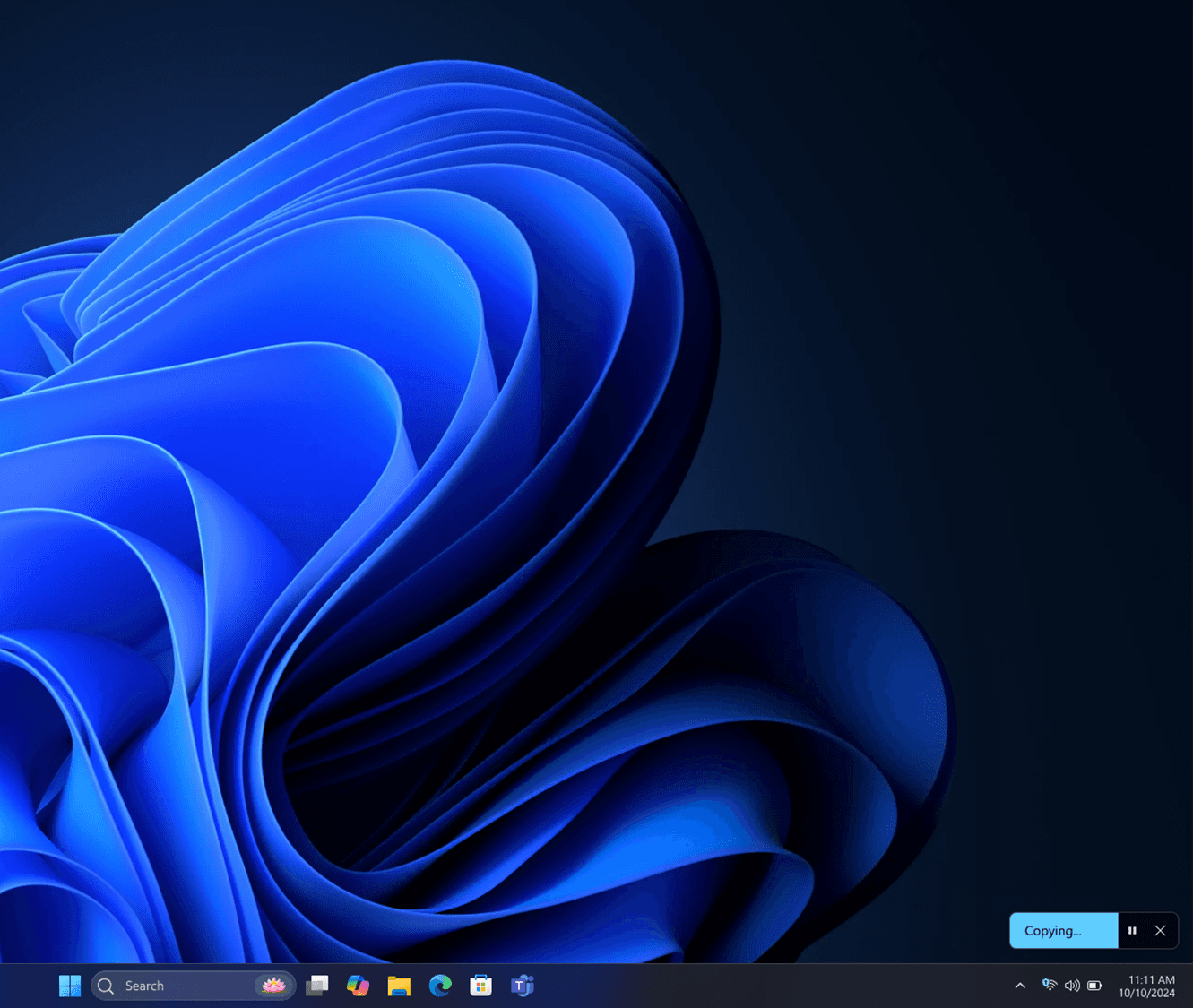
Another approach was to increase the performance of copy engine itself to support multi-threaded copy. In that case, dialog size could be reduced for small to medium file size.
Approach 3
I also explored replacing the progress bar with games or custom animation to make the waiting less painful :)
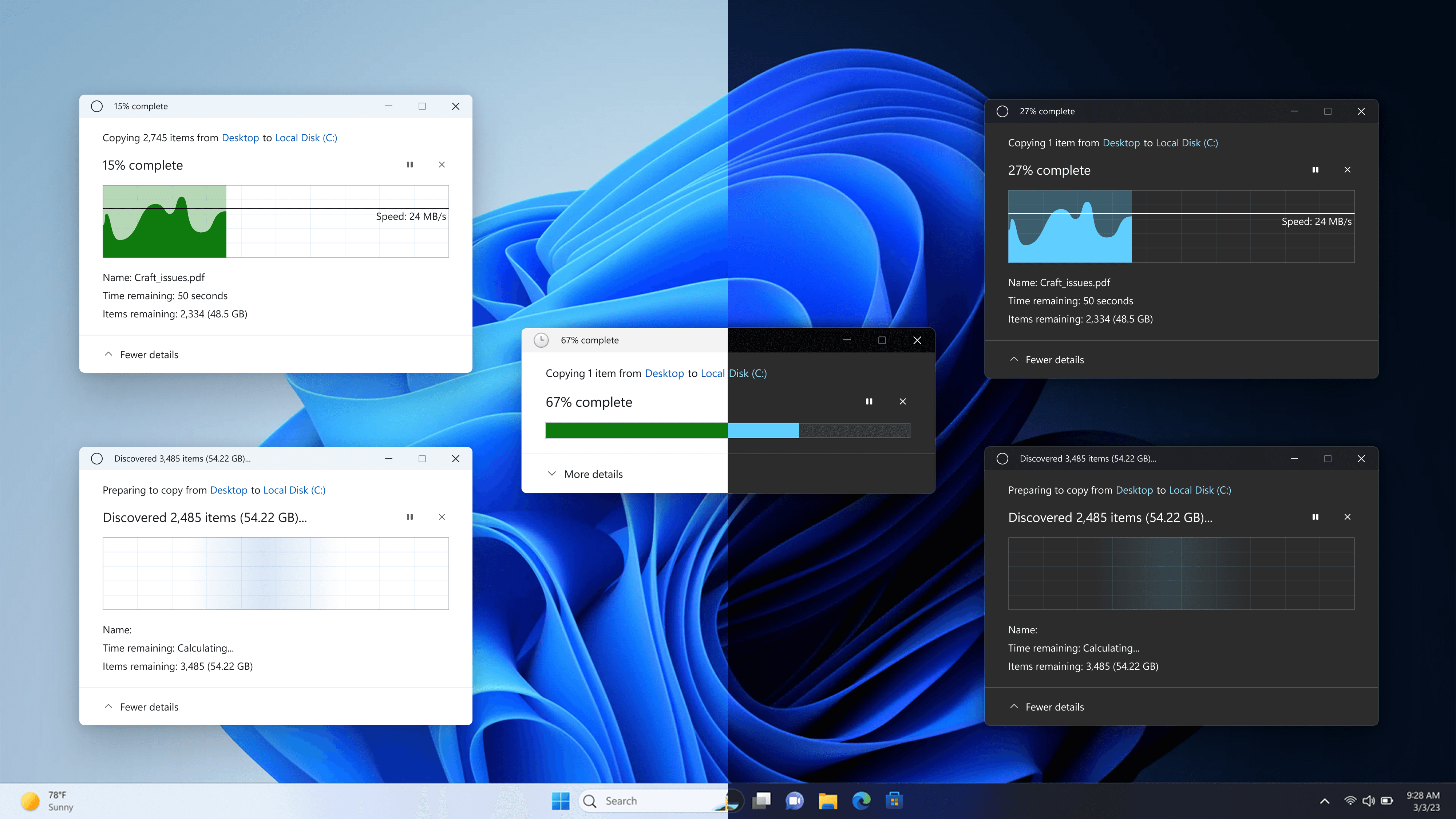
Final approach
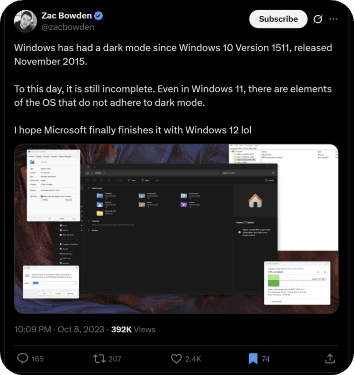
Even though the team bought in to the proposal of modernizing UI, technical framework constraints and tight timelines forced us to limit to dark mode support with existing UI style.
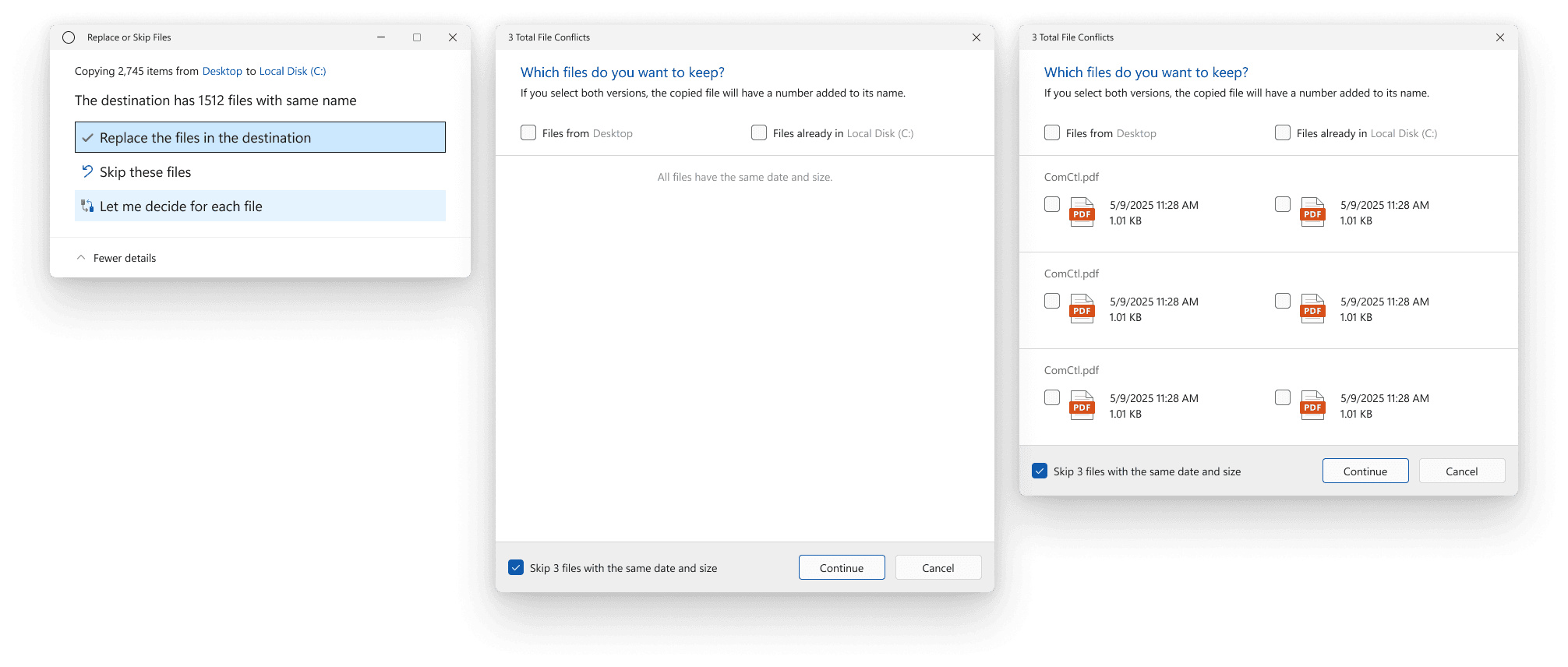
Improvisation
While in this case, the user ask was to bring dark mode to copy dialog, updating that screen alone wouldn't have solved for the issue. There are other screens in copy scenario which also did not support dark mode theming, that would contribute to broken user experience.

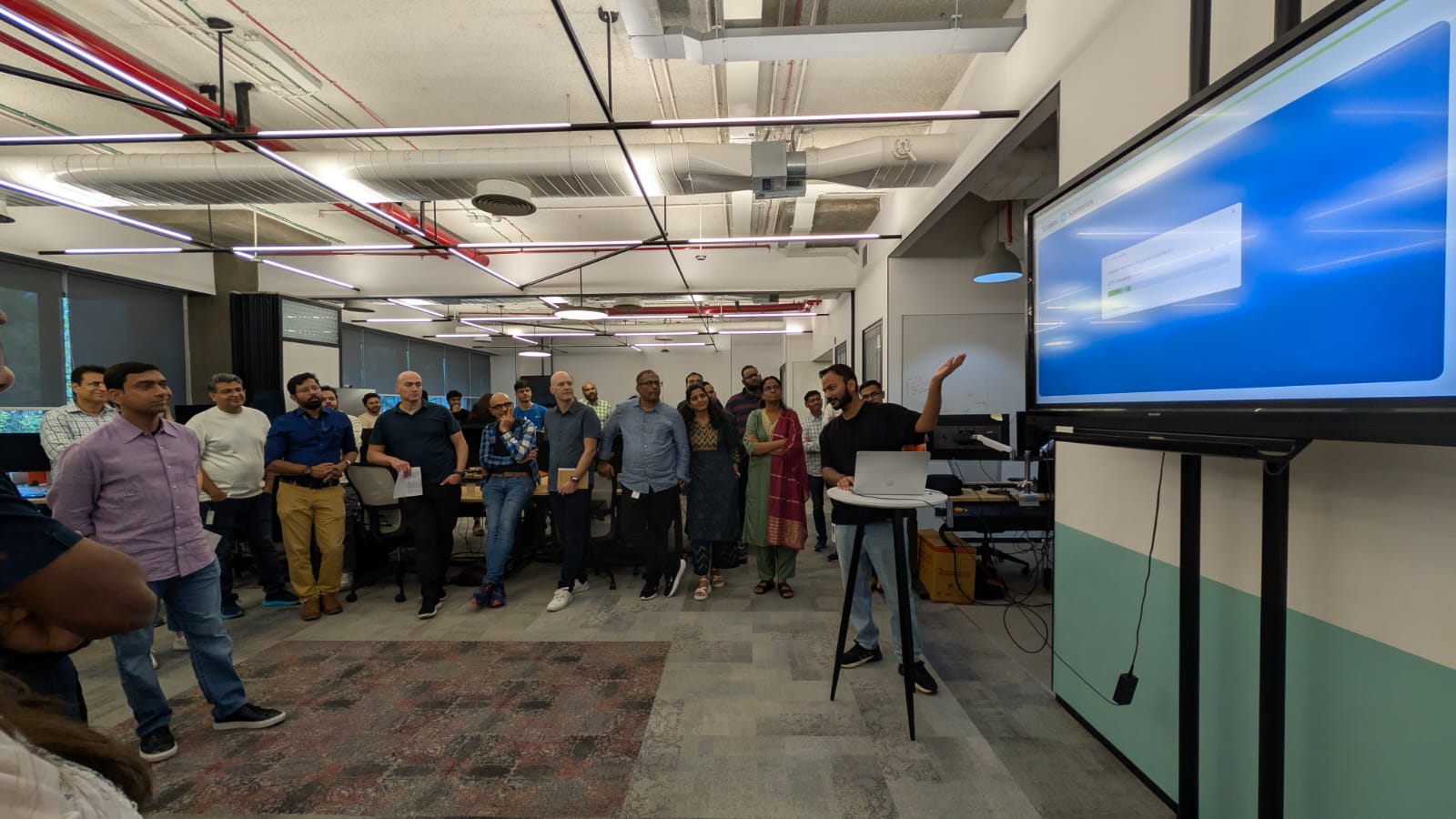
I presented this approach to everyone in my immediate team all the way up to President of Windows org.
New scope
After relentless convincing the leadership, we finally expanded the scope to cover entire copy flow. Along with that, I was also able to convince the team to cover similar flows (move, delete and restore) therefore covering the entire file transfer flow.
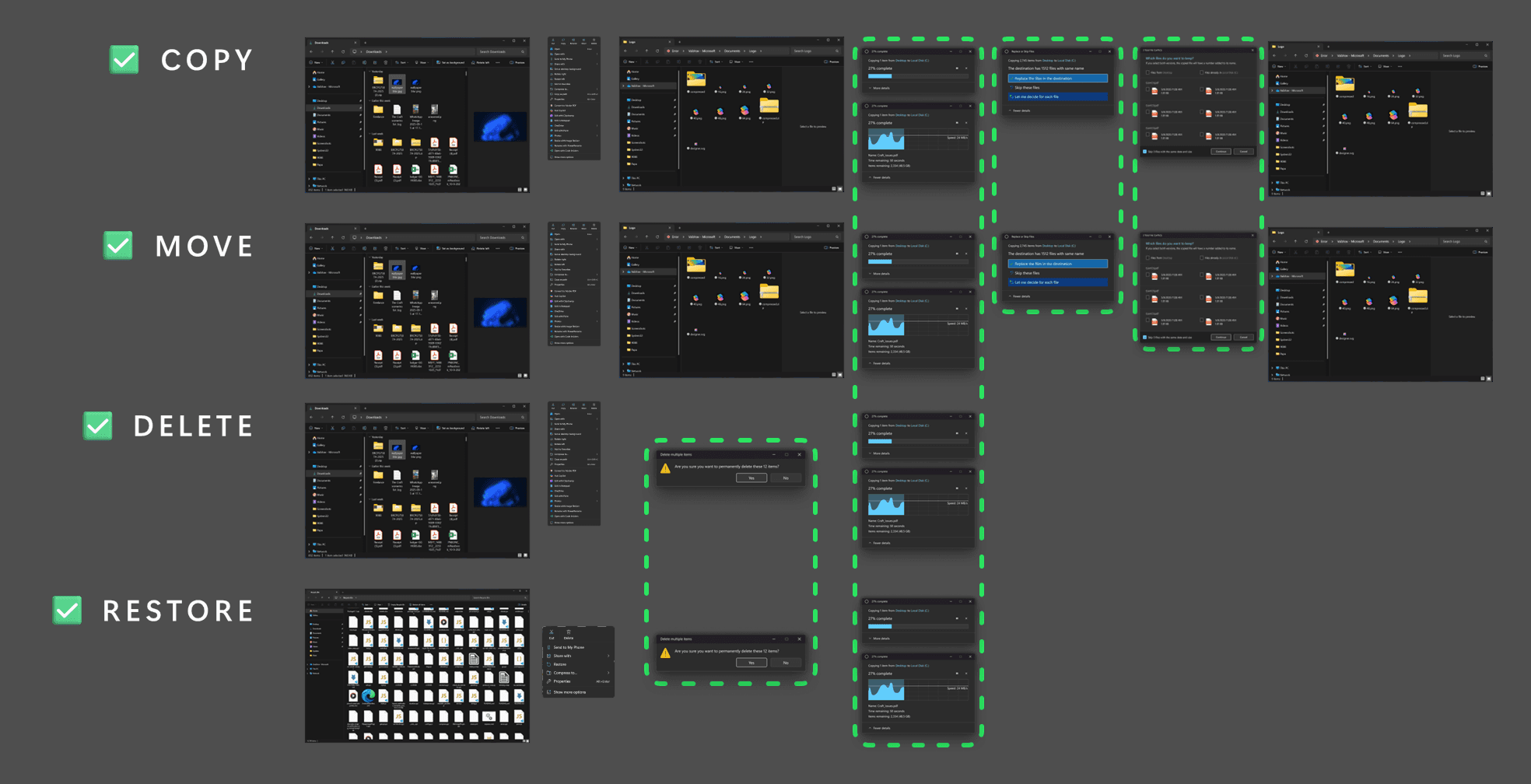
Innovation
As part of this project, I developed several internal tools and Figma plugins that can eventually help us cut down the design time for similar projects in future.
Scenario Map
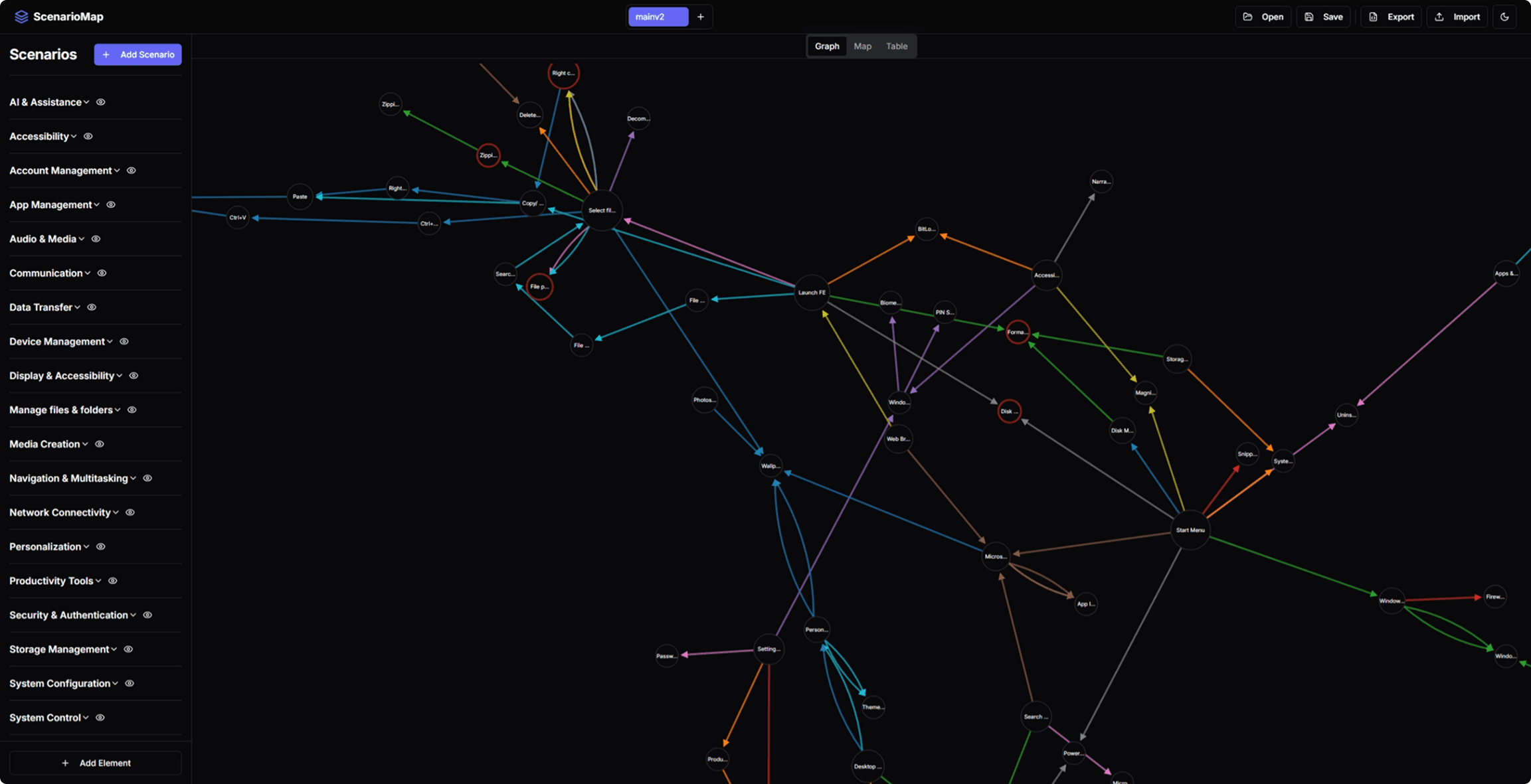
This tools helped us visualize the user scenarios across Windows to make informed decisions of scope of projects
Mode switch
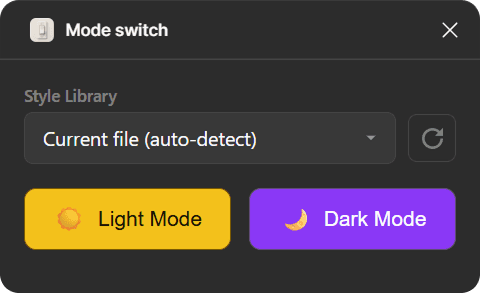
This internal (Microsoft only) plugin helps switch the assets from light to dark mode & vice versa in a click based on Windows style guide
Alpha picker
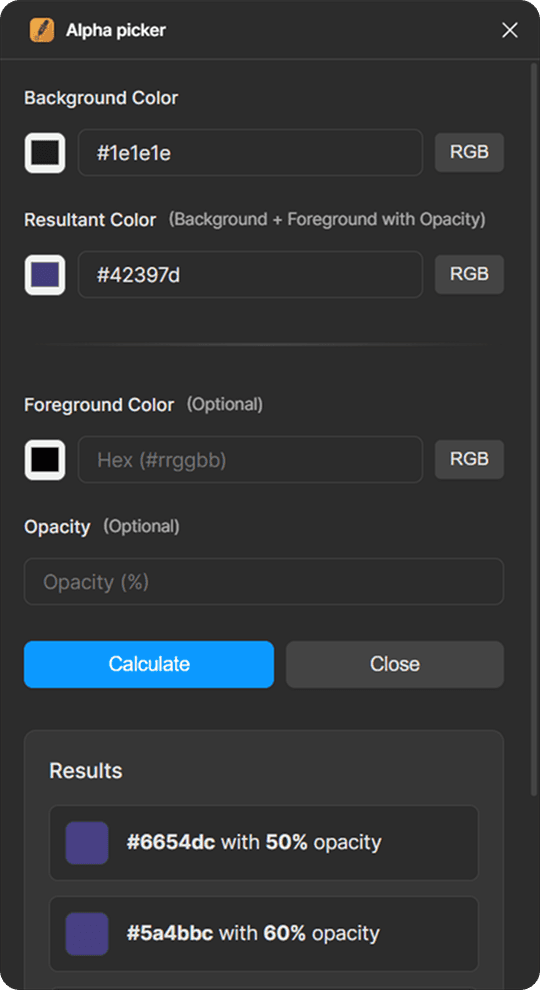
Since a lot of screens I was working with were decades old, design files for them did not exist and I needed to create assets from screenshots. In doing so, extracting colour and opacity values from translucent layers was becoming time intensive. I made a Figma plugin in record time (16min 20sec) that helped me extract colour and transparency value combo from screenshot.
Outcome
The update was well received by media, Windows fans and critics. It paved way for more similar projects with better resource allocation.