Figma plugin · Design tooling · Independent project
Alpha Picker
Recover colour and opacity combinations from screenshots, instead of copying a flattened colour.
- Role
- Designer & developer
- Tools
- Figma
A screenshot hides the recipe.
While recreating legacy Windows surfaces, I often had screenshots but no original design files. A colour picker gave me the visible pixel, not the foreground colour and opacity that produced it. Copying that flattened colour meant losing the transparency.
I built Alpha Picker to recover colour and opacity combinations from those screenshots, and shared it with the team. It turns a recurring reconstruction problem into a focused Figma tool.
Work backwards from the blend.
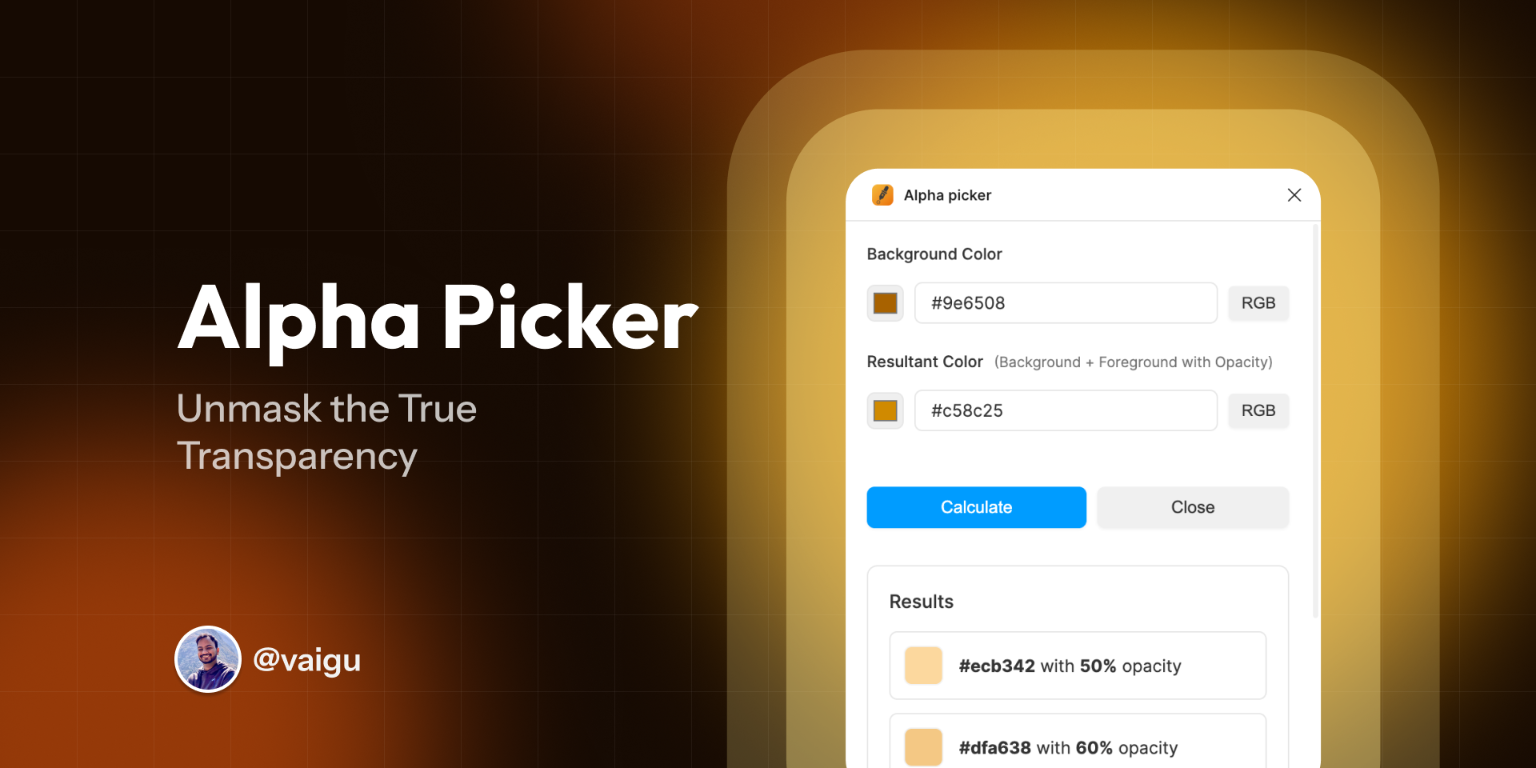
The plugin takes the background colour and the resulting colour. If you know the foreground colour or opacity, you can supply that too. It calculates combinations that reproduce the blend, giving you colour values and opacity percentages to use in Figma.
Useful combinations, not a single guess.
A flattened image does not always reveal one unique original: different foreground colours and opacities can produce the same result. Alpha Picker makes those alternatives visible, so reconstruction can use a translucent layer rather than a sampled, opaque fill.
The plugin is published on Figma Community. Its use in Windows craft shows where the need came from: rebuilding surfaces when the source assets were missing.