Design systems · Iconography · Design engineering
Icon management system
Solving the problem of icon management
- Type
- Iconography
- Tools
- Illustrator, Figma
- Client
- UNI.xyz
- Status
- Complete
Background
Asset management is tricky in most design and development projects. The right approach changes with scale and asset type, which makes a single solution hard to find.
Task
The goal was a fast, foolproof system that could scale to more than 200 custom icons for UNI.
My role
Nobody assigned this to me. I noticed the problem in our internal process and took it on. My teammates were the users, so I relied on their feedback, and the development team helped me set up the Angular app on Firebase.
Stage 1
At first, each icon at UNI was created on demand and shared with developers on Slack. With few icons and speed as the priority, that worked. But it caused a lot of repeat work: someone designed an icon and shared a PNG, and if you needed it in another colour or size, the whole process started again.
When I joined, I first replaced PNGs with SVGs to fix scaling. (I hoped to fix colouring too, but that didn't work out.) The next problem was managing the icons. We created icons on the spot, exported them and forgot about them, so finding existing ones was painful. Sometimes we remade an icon from scratch because we didn't know it existed. Replacing an icon with an updated design meant finding and changing every instance by hand.
Stage 2
A catalogue instead of a guessing game.
To fix that, we stored all our assets in an AWS S3 bucket and shared links on Slack whenever someone needed an icon. That created new problems.
The first was naming. What I called a hamburger icon, a teammate called three bars and another called horizontal stripes. S3 has no preview, so finding an icon took trial and error. The problem grew so big that people bypassed the system and went back to sharing icons on Slack. To keep it working, I learned Angular and built my first web app: a visual catalogue of the icons stored in S3, so the team could find icons by sight.
From SVGs to an icon font.
Everyone liked the catalogue, and we used it for a long time. But colour was still a problem. SVGs can be recoloured in code, but because ours were stored centrally in S3, they were imported as images and lost that ability. Every icon needed a separate file for each colour. I studied how projects use Material icons and evaluated paid asset-management tools, but none fit all our use cases.
The answer was an icon font: converting icons into glyphs that can be used like letters. Creating one isn't beginner-friendly, and it took me weeks to find the right tools and process. I then wrote a guide to help other non-developers do the same: Creating an icon font: a how-to guide.
Challenges
Icon fonts have known drawbacks, including accessibility and alignment issues. After weighing the options, it was still the best fit for our team at that stage.
Final solution
One stylesheet, shared by the team.
We converted the icons into a font with Fontello. I cleaned up the generated code and hosted it as a stylesheet. Developers imported the stylesheet and called each icon by name.
Find an icon by sight.
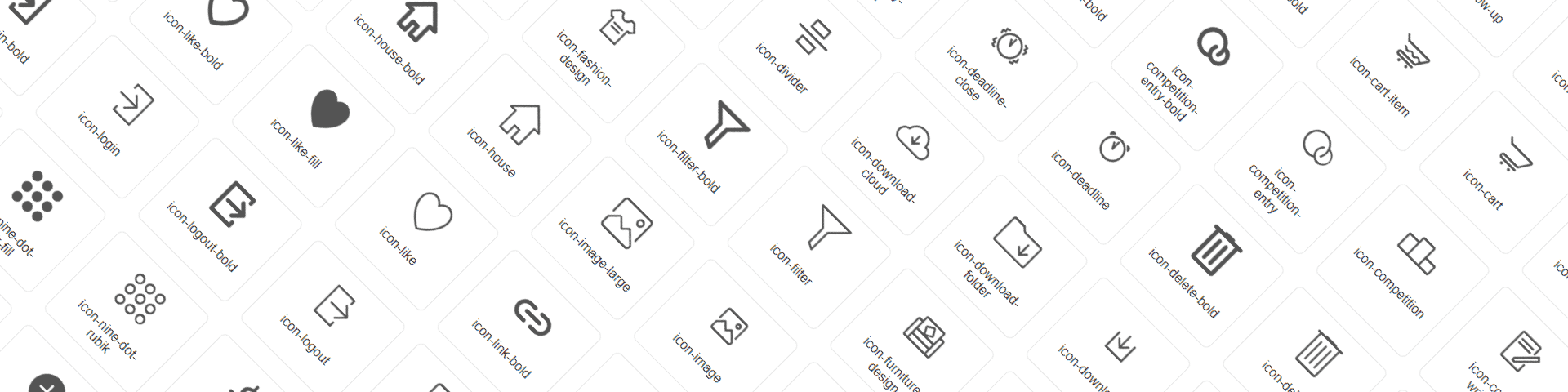
Calling icons by name brought back the naming problem, so I built a visual catalogue for the font. Developers could find an icon, copy its name and use it in code.
Copy the name without the typo.
A single mistyped character meant the icon didn't appear. So I made each icon card copy its name to the clipboard in one click. It's a small feature, but I had to learn how to build it.
Impact
I don't have formal metrics, but adding a batch of new icons to the library dropped to about 30 minutes, with no follow-up work. Icon size and colour stopped being problems, and the team no longer repeated work to produce variants.
Learnings
This project pushed me beyond design. I learned the basics of Angular, built an app and found a solution that changed how the team worked.