Design tooling
Tooling for process efficiency
Figma plugins that fill gaps in the tool, speed up everyday work, and improve the quality of the result
- Plugins
- 4
- Users
- 1,900+
Overview
Each of these plugins started with one specific gap in everyday Figma work: something the tool can't do, or can only do slowly or approximately. Instead of working around it every time, I built a small, focused plugin to close the gap and published it on Figma Community.
On their own they're small. Together they follow one idea: good tooling should make the process faster, fill the gaps the main tool leaves, and improve the quality of what gets made.
- Plugins on Figma Community
- 4
- Users across the plugins
- 1,900+
- Users of Locksmith alone
- 1,700+
What they improve
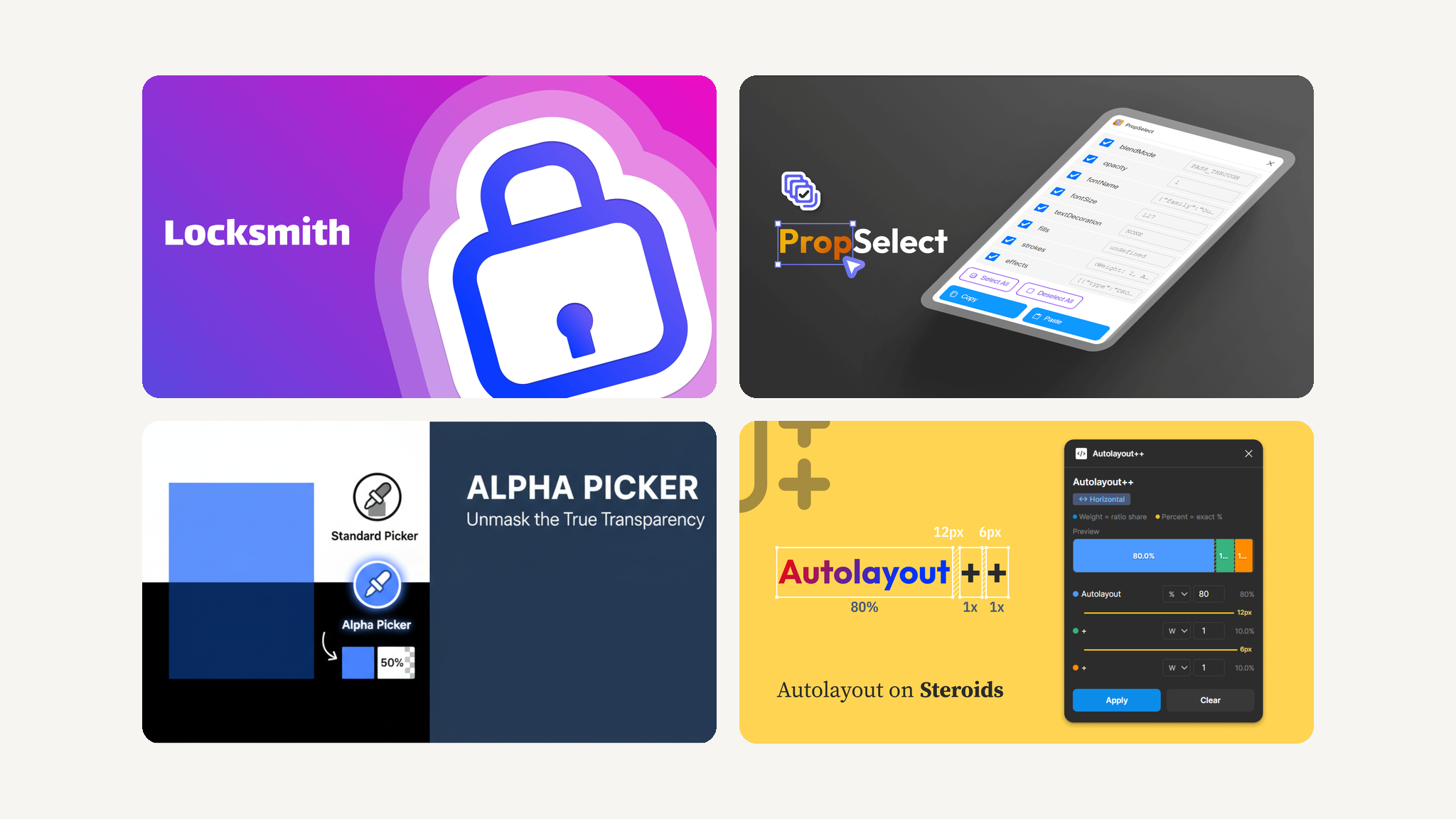
- Process efficiency: Locksmith locks and unlocks layers in bulk, and PropSelect pastes only the properties you choose onto many layers at once.
- Filling gaps: Figma can lock layers in bulk but can't unlock them the same way, and Auto Layout has no ratio-based sizing. Locksmith and Autolayout++ add both.
- Quality of outcome: Alpha Picker recovers a translucent layer's true colour and opacity instead of a blended guess, and Autolayout++ keeps proportions intact as layouts resize.
The plugins
Figma & FigJam plugin · 2023
Locksmith
Bulk lock and unlock layers in one click. Locked layers can't be selected, so Figma offers no way to unlock them together. Locksmith remembers what it locked, so you can unlock just those layers or everything on the page.
Read the case study: LocksmithFigma plugin · 2024
PropSelect
Copy only the properties you need, such as fill, stroke, corner radius or font style, and paste them onto many layers at once. Figma's own paste copies every property together.
Read the case study: PropSelectFigma plugin · 2025
Alpha Picker
Find the true colour and opacity of a translucent layer in a flat image. A normal colour picker only samples the blended result. Sample that and the background, and Alpha Picker calculates the original HEX value and alpha, so the effect can be rebuilt exactly.
View on Figma Community: Alpha Picker (opens in a new tab)Figma plugin · 2026
Autolayout++
Ratio-based sizing for Auto Layout. Share space between elements with weights or percentages, and the proportions hold as the layout resizes, the way flexible layouts behave in code.
View on Figma Community: Autolayout++ (opens in a new tab)